
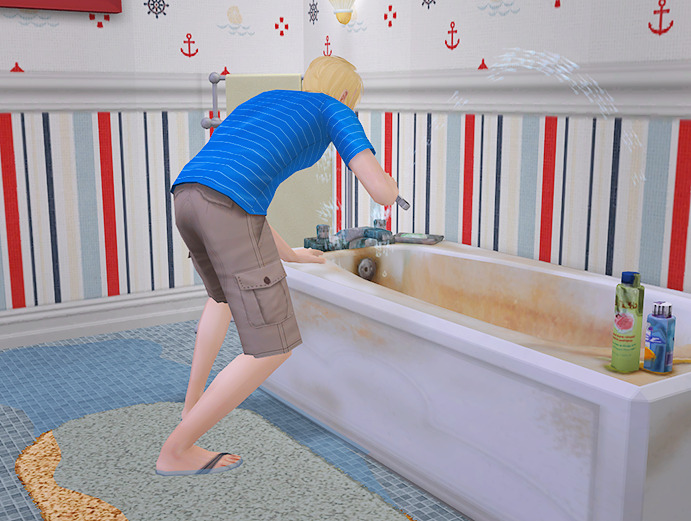
Nate has his work cut out for him in the upstairs bathroom.
Nate has his work cut out for him in the upstairs bathroom.

Alfred: *shows up at other people’s houses, plays with flammable objects*
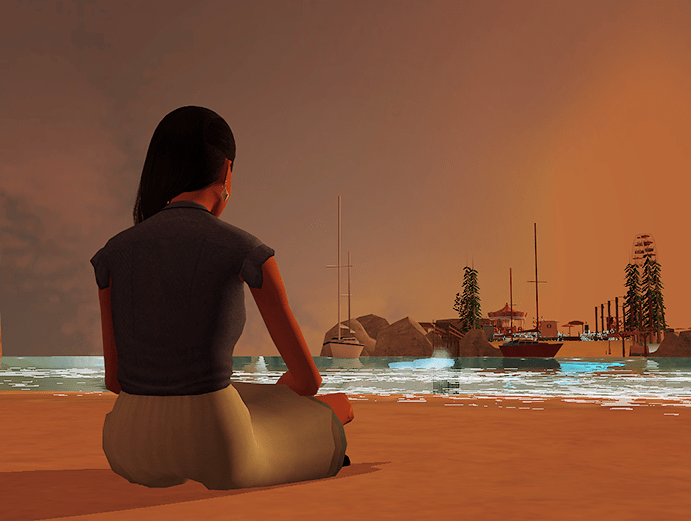
I’m pretty sure I have a picture like this from every Bushby round.
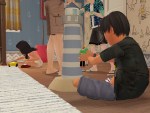
Homework means nothing in this neighborhood, apparently.
Hi! I answered this question here. 🙂 (Sorry, I know I don’t have a readily-available link to past asks!)
Well, for starters, I’m able to run my game on the highest settings. But mostly it’s just Photoshop magic. 😉 I’m pretty Photoshop illiterate, which is why I rely on the skills of others – namely, I use .psd’s to help brighten my photos and enhance the saturation/vibrancy. 🙂 I’ve been using snapdragoned’s .psd for as long as I can remember (with various adjustments depending on the screenshot I’m editing). I’d like to give mir-sims’ recently-uploaded .psd a shot, too!
Edited to add: You should use a screenshot program, such as Fraps, to take pictures of your game! The in-game camera takes terribly low-quality pictures. 🙂
Ack, I’m sorry, anon! Tumblr seems to hate me too, because it only tells me I have new messages about 50% of the time. :’)

The kitchen counters and island are part of this set by buggybooz, but I have so many recolors in my game I can’t pinpoint exactly which ones I used. D: It’s slaved to buggybooz’ Kitchen Basic set, so it will pull whatever recolors you have! I recommend these by @dramallamadingdang (wood) and these by @vimpse (colors). Hope this helps!
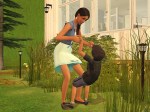
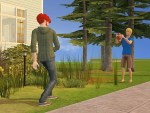
The Bushby family spends some quality time outdoors (with a guest appearance by Alfred, who probably isn’t too welcome in his own home at the moment).




“Fire cannot kill a dragon.”

 simper fi